Introduction
When creating a splash page, you can enable social network authentication for your end-users to connect Wi-Fi using their social credentials such as Facebook, Twitter, Google, LinkedIn, etc. Currently end-users demographics information including name, e-mail address, gender, nationality, age, birthday, home country are collected using Facebook Login.
Configuration
Enabling Social Login on Pre Login Page
To open the pre-login page select Internet > Splash Pages and select the Pre-login page you wish to modify.
Locate the section that you need to add Facebook Authentication link.

Click on the code section that you need to add social authentication link.
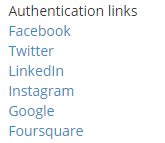
Select the required social authentication from the Authentication links located at the right side.
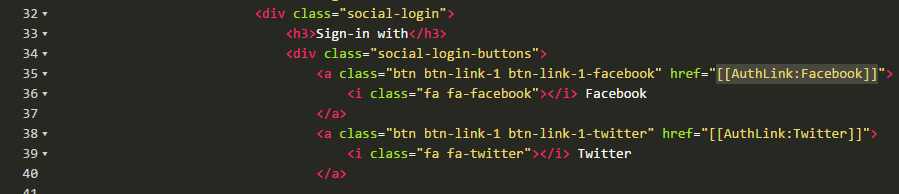
Snippet is added into the code as displayed below:
Comments
0 comments
Article is closed for comments.